

 80mm Receipt Printer
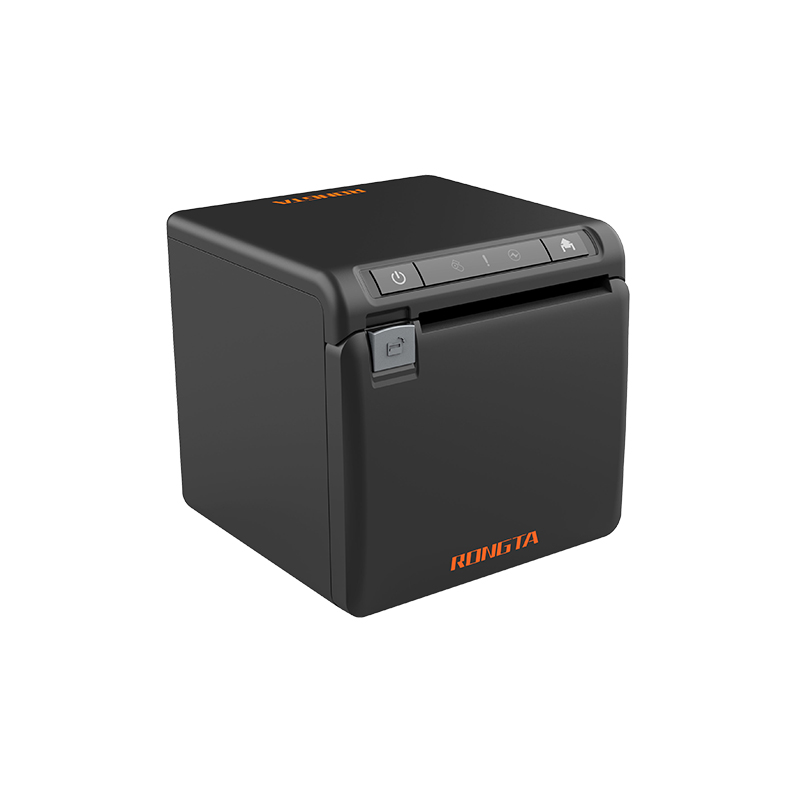 ACE H2 Receipt Printer
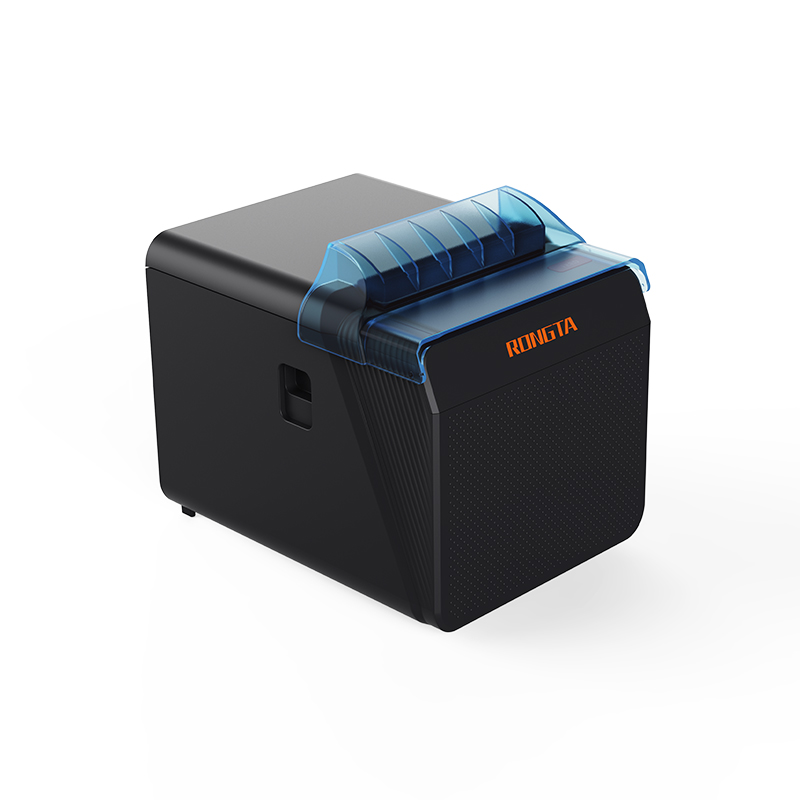 RP337 Receipt Printer
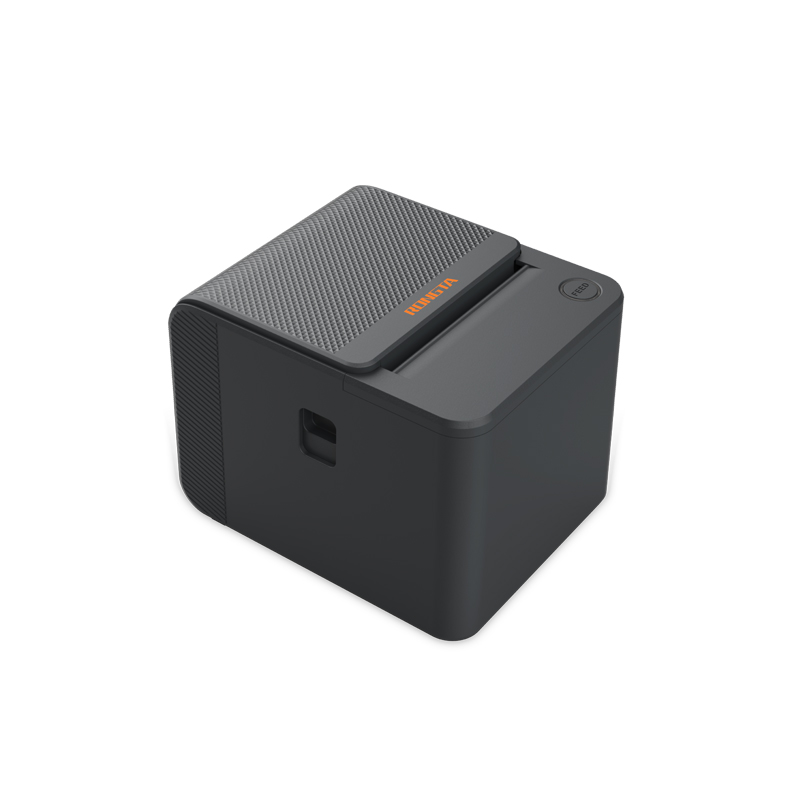 RP336S Dual-Color Receipt Printer
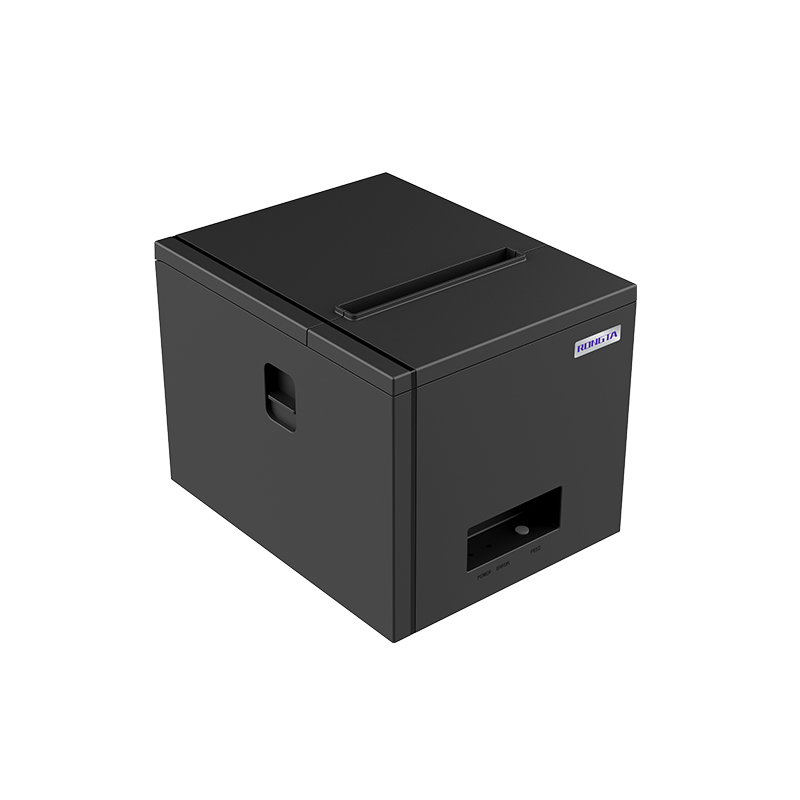 RP350 Receipt Printer
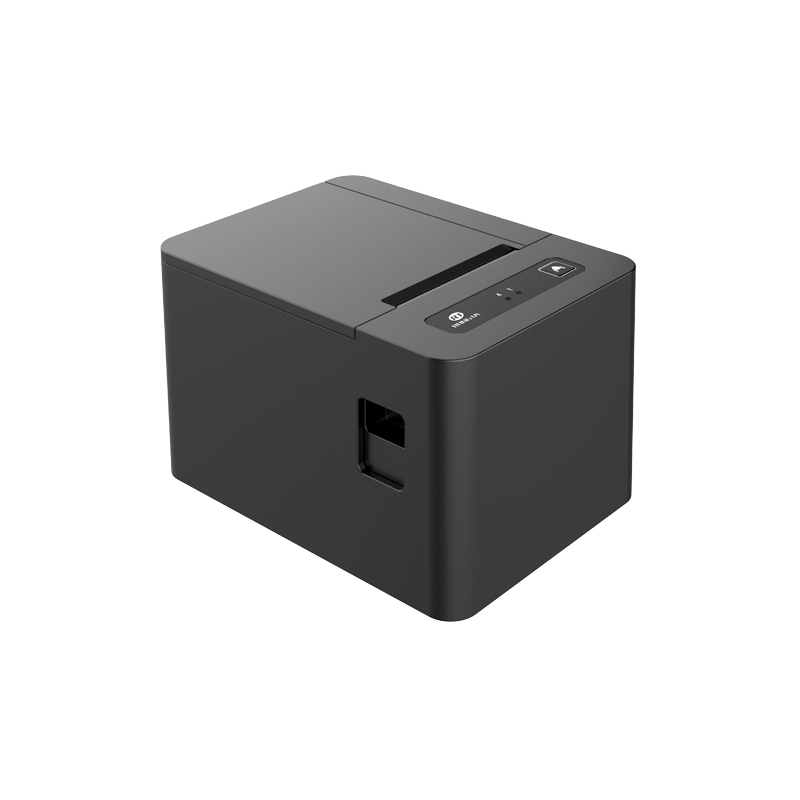 RP582 Receipt Printer
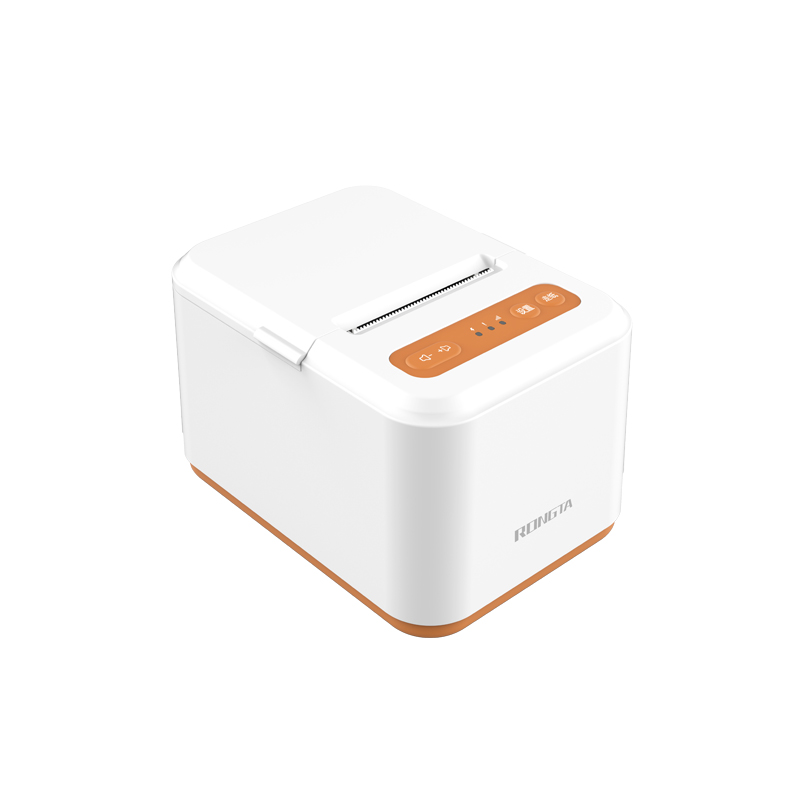 RP581 Receipt Printer
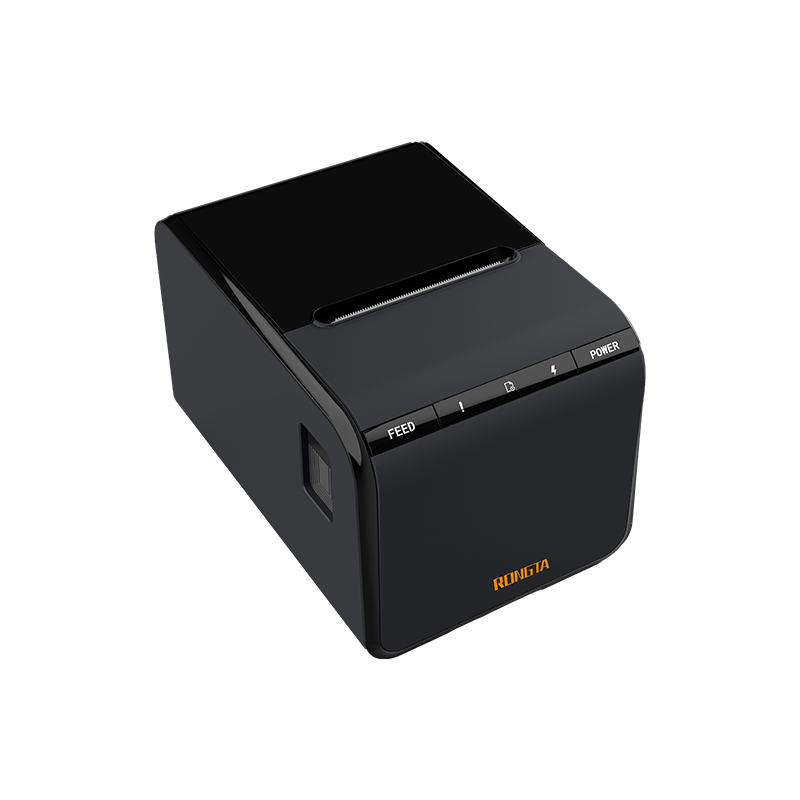 ACE G1Y Receipt Printer
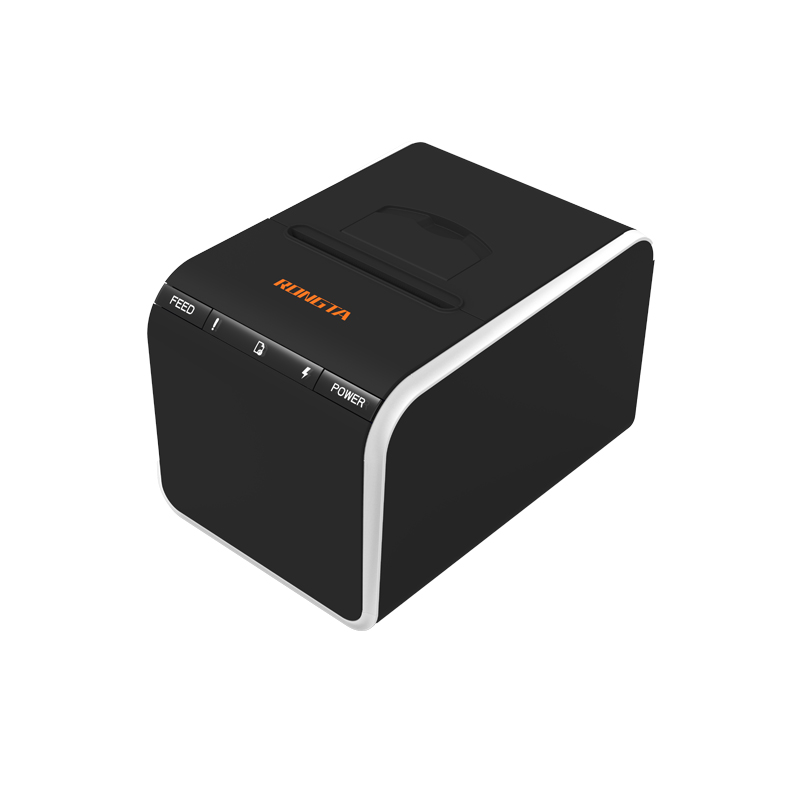 ACE G1YP Cloud Printer
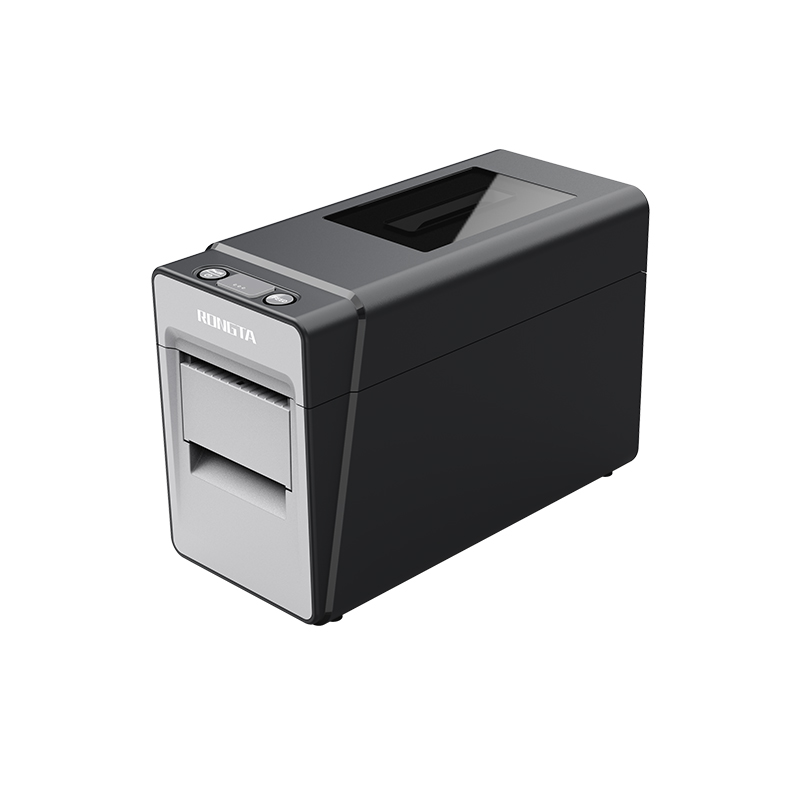 RP216 2'' Dual-color High-definition Label Printer
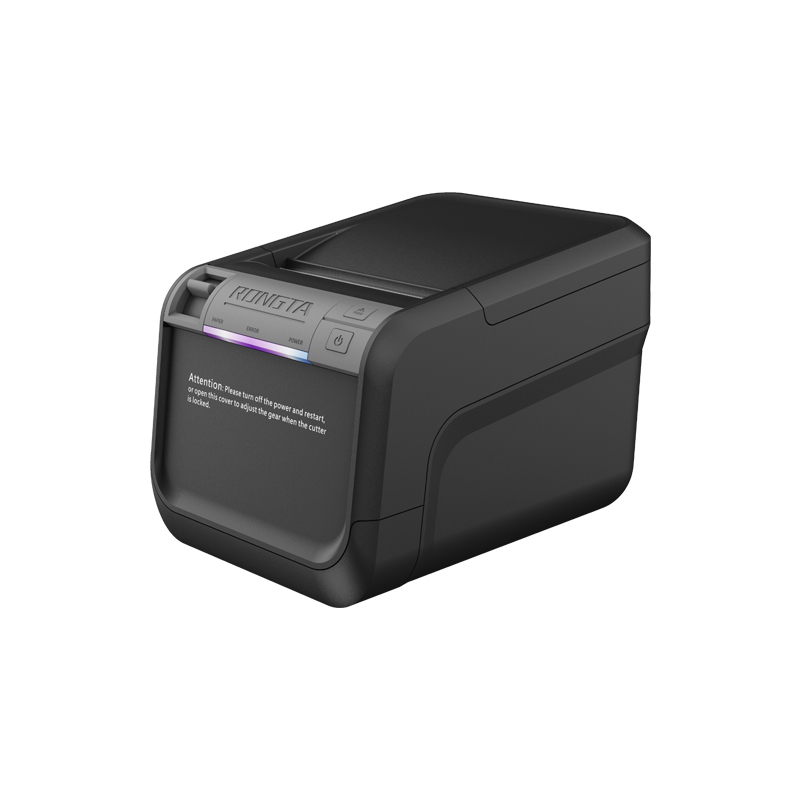 ACE V1S 3'' Backless Label Printer
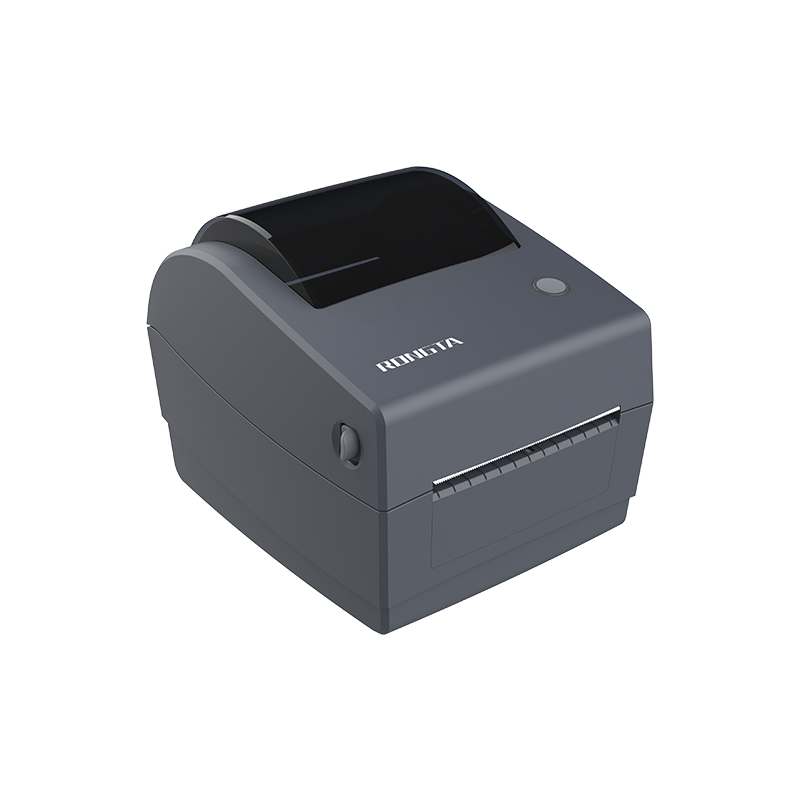 RP310D 3'' Dual-color Label Printer
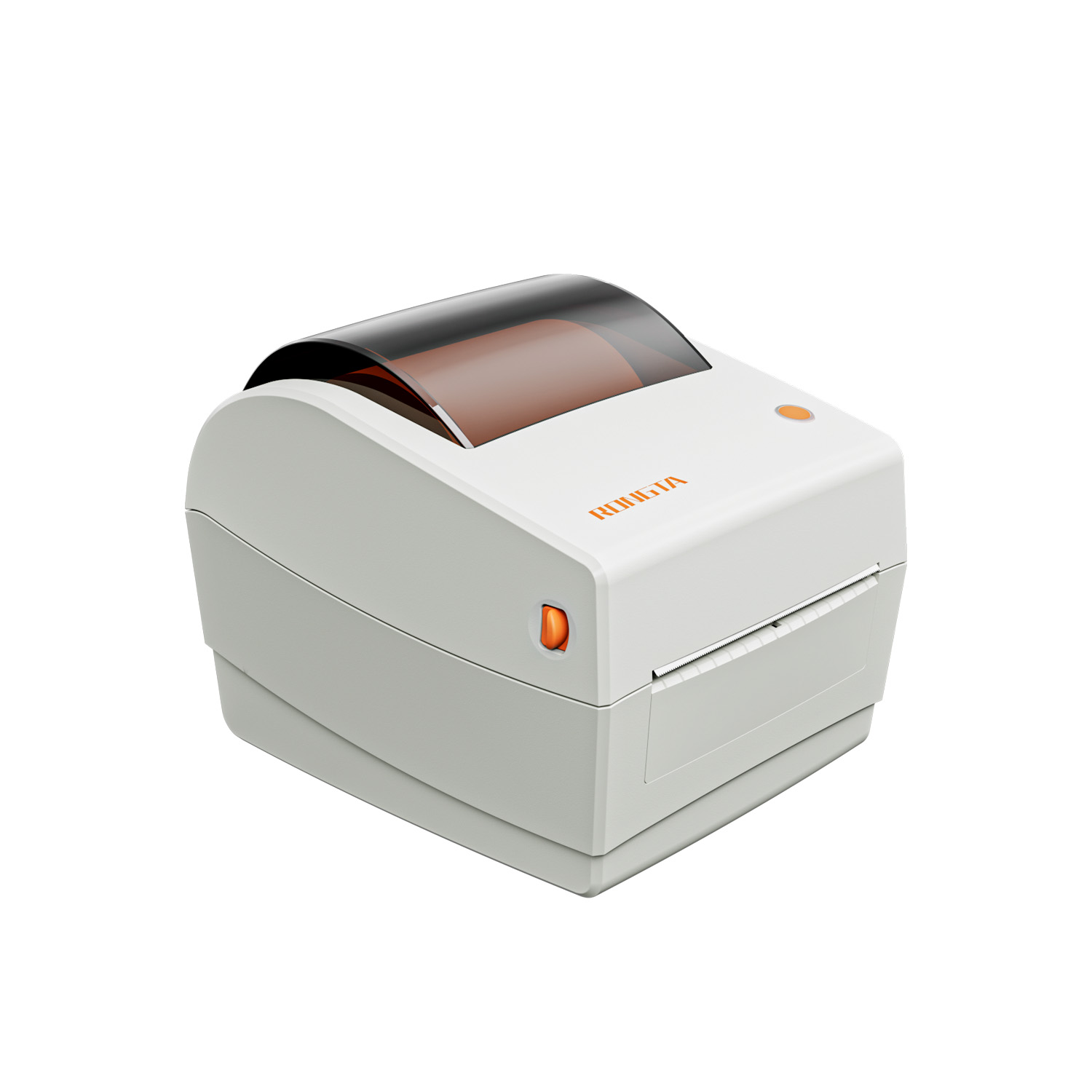 RP410N 4'' Thermal Label Printer
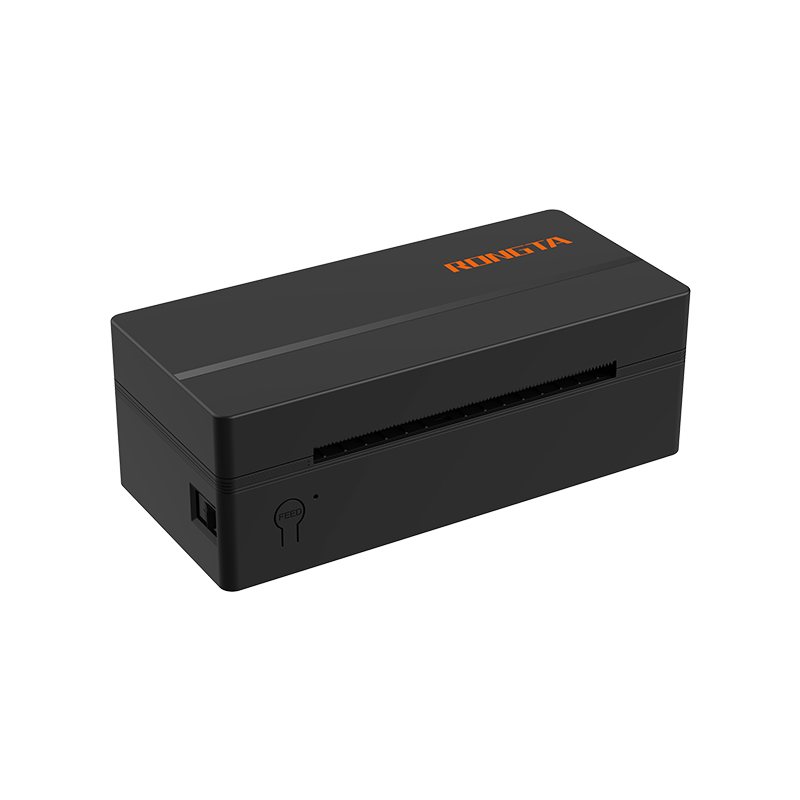 RP425 4'' Electronic Waybill Printer
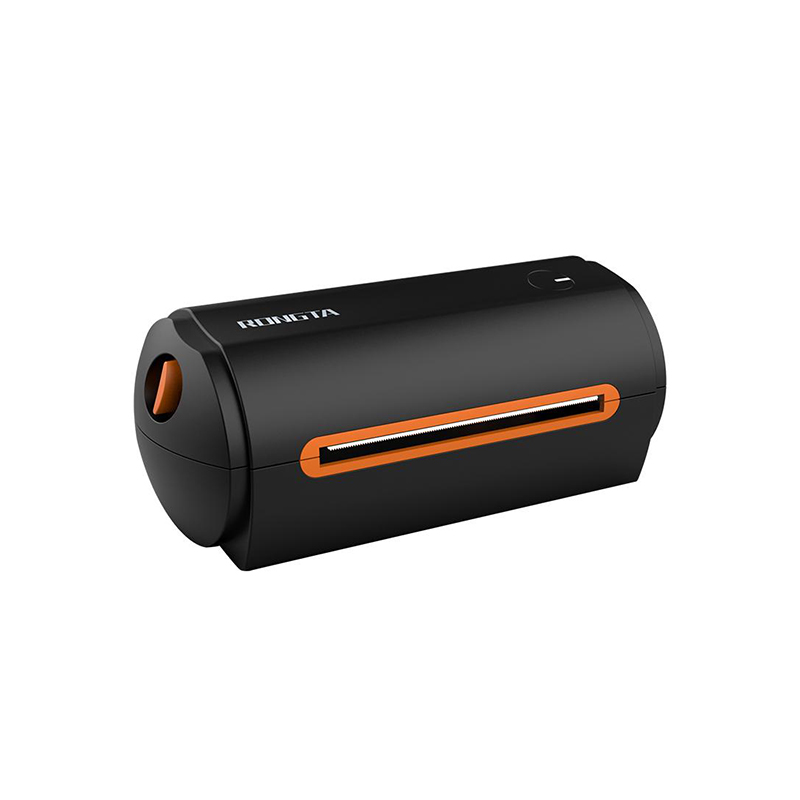 RP422 4'' Electronic Waybill Printer
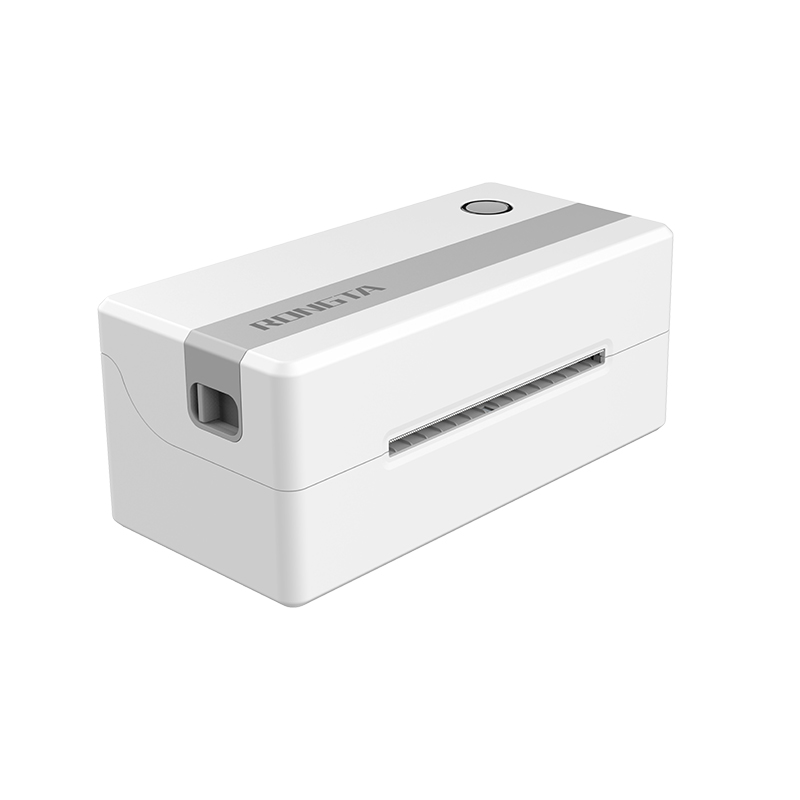 RP421A 4'' Electronic Waybill Printer
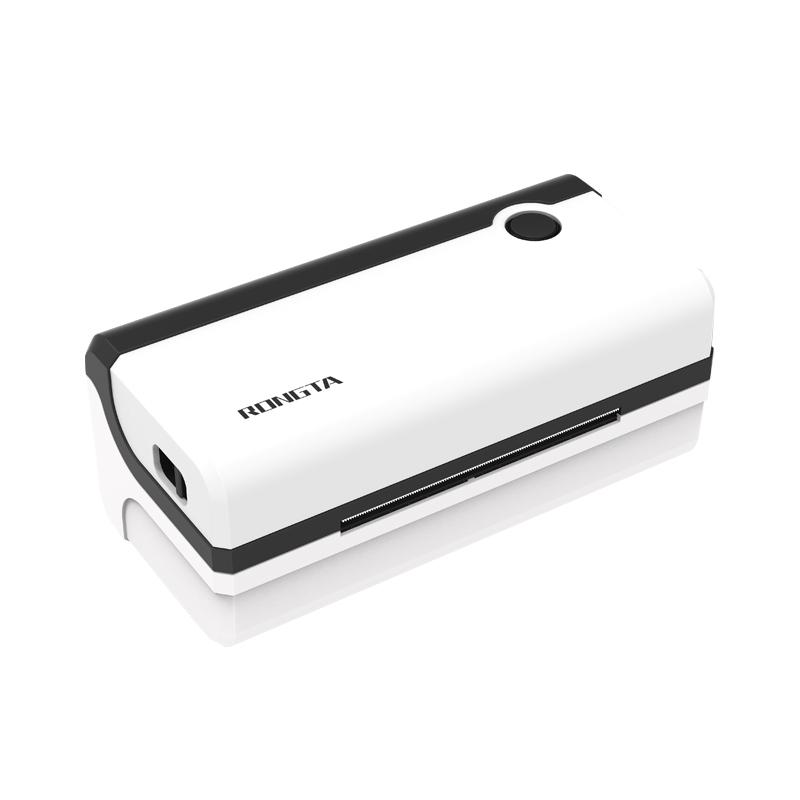 RP420 4'' Electronic Waybill Printer
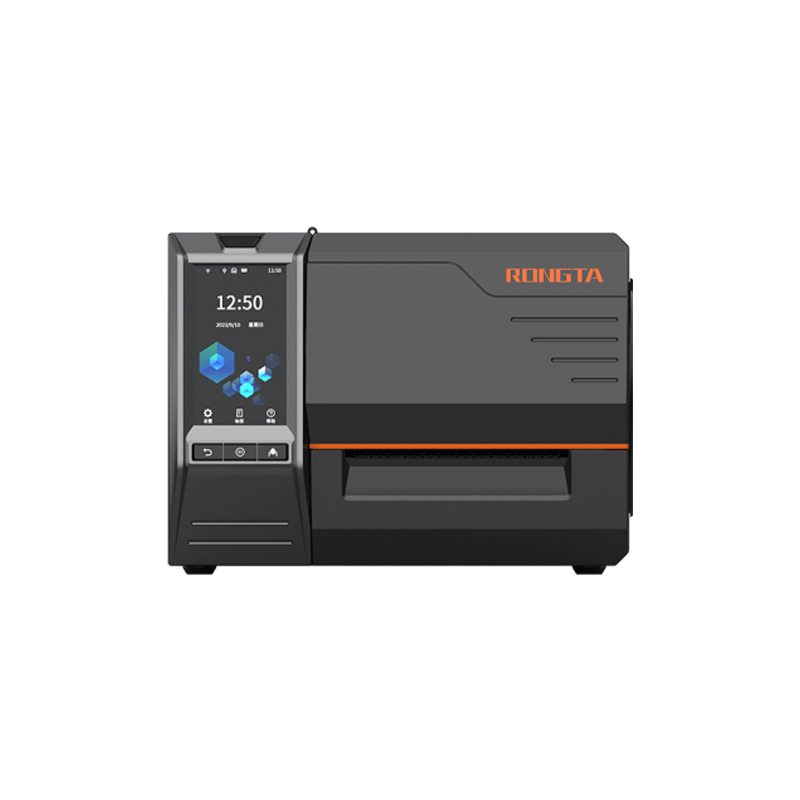 RI463 Series Barcode Printers
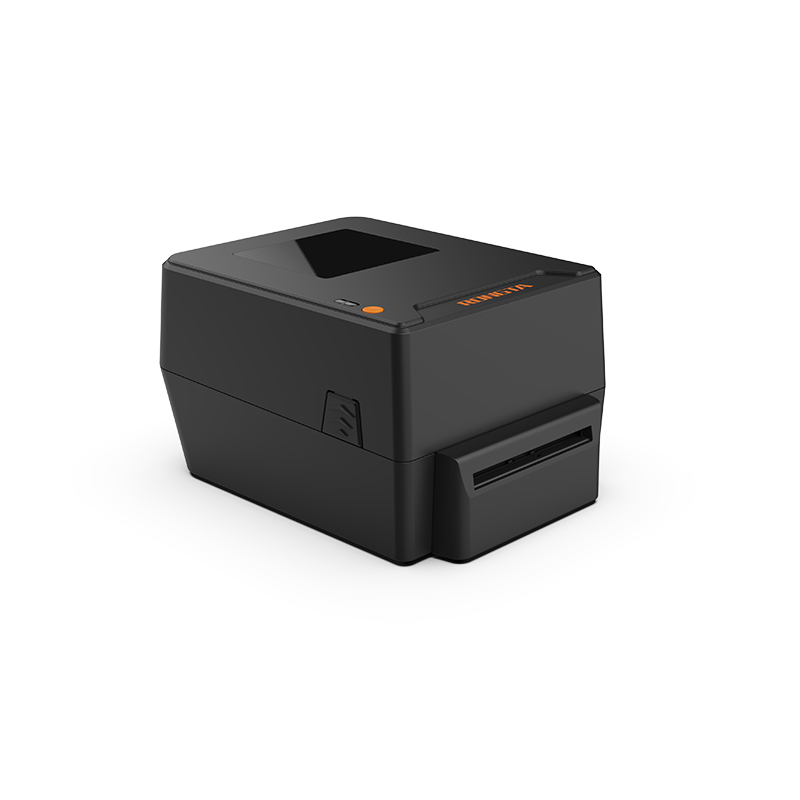 RP400A 4'' Thermal Transfer Tape Cutter Printer
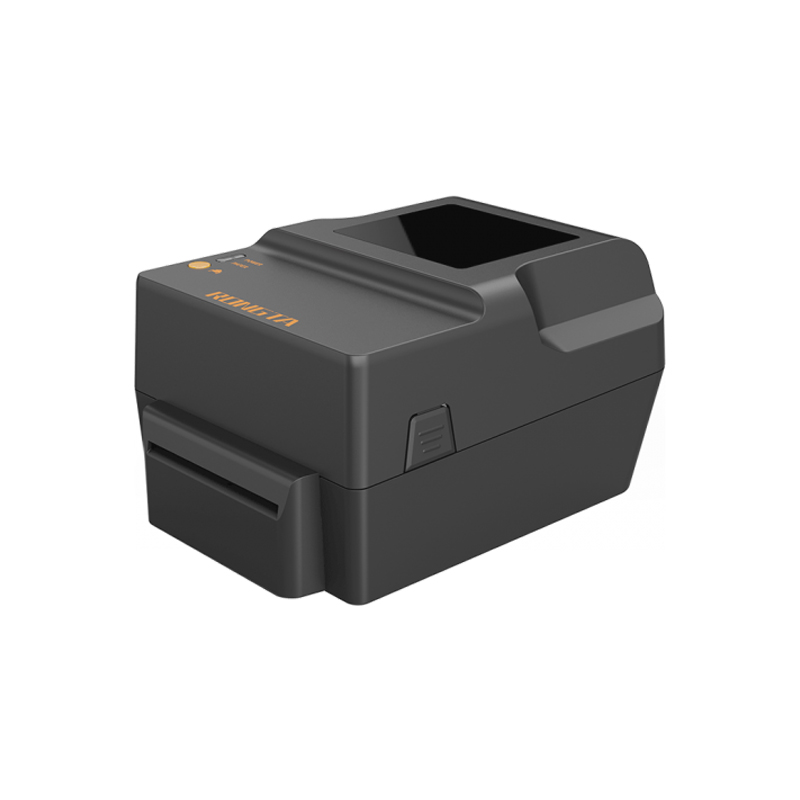 RP400H 4'' Thermal Transfer Tape Cutter Printer
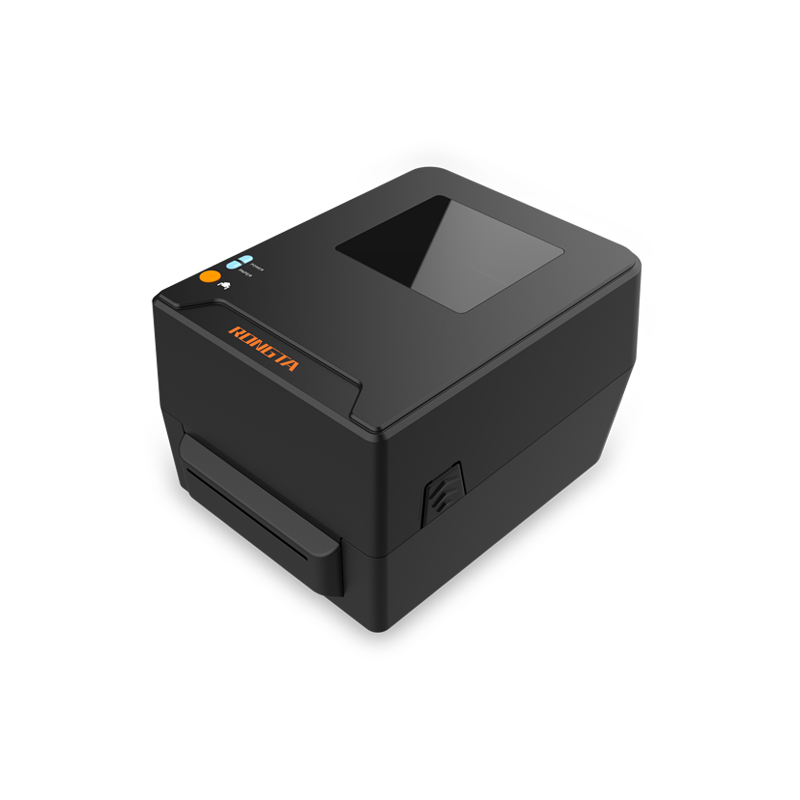 RPF413 300dpi RFID barcode label printer
 RPP02A Portable Receipt Printer
 RPP02B Thermal Portable Printer
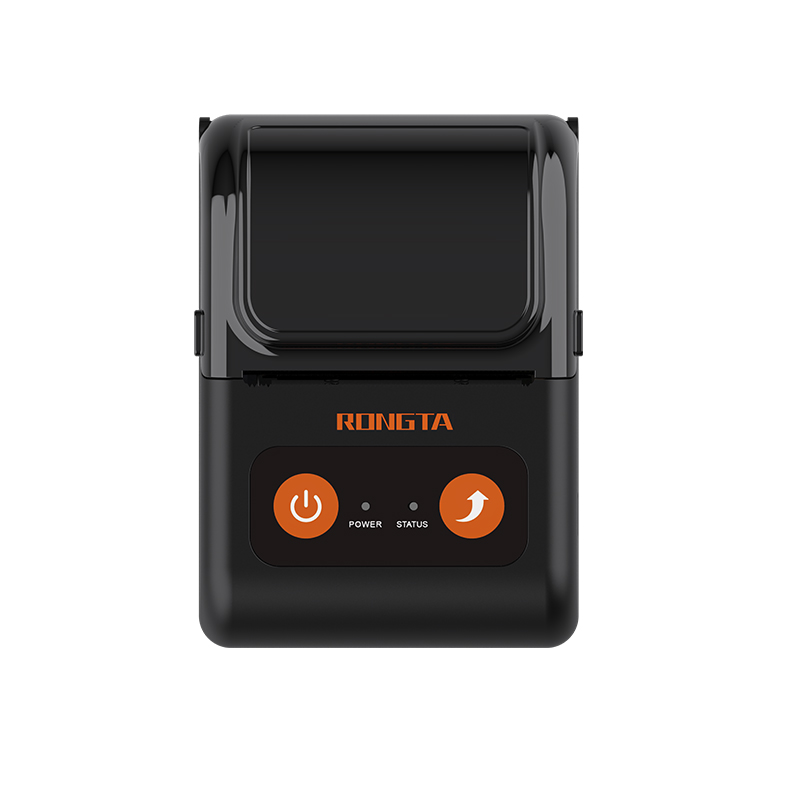 RPP02C Portable Receipt Printer
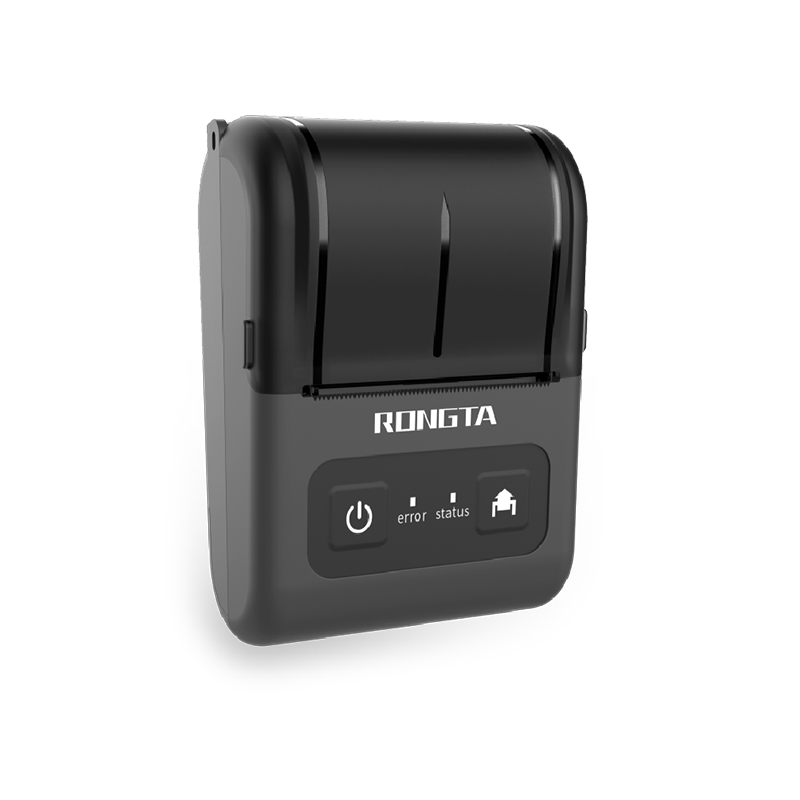 RPP02D Thermal Portable Printer
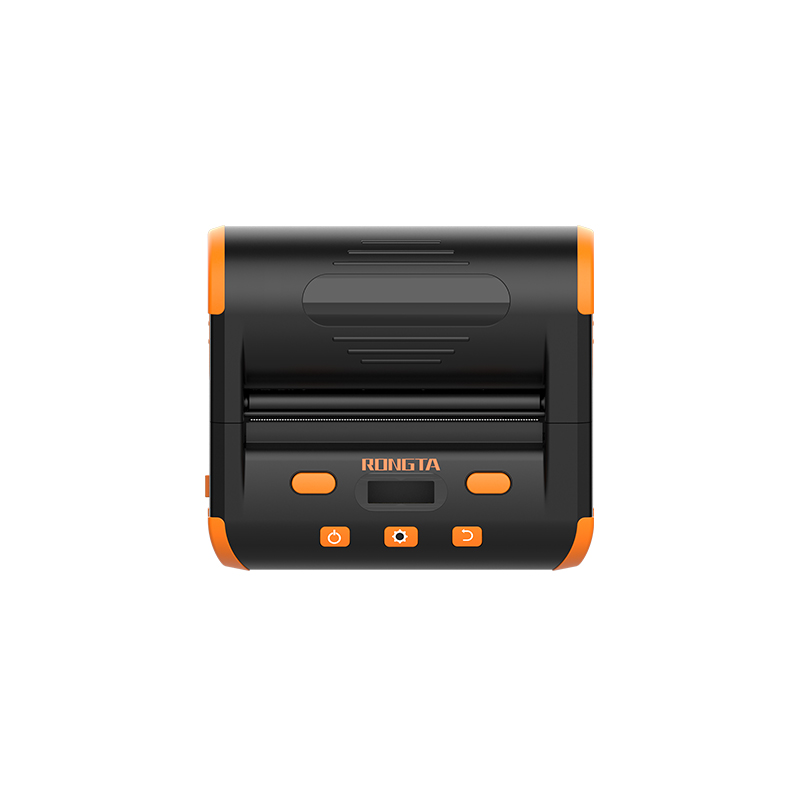 RPP04 4" Portable Label Printer
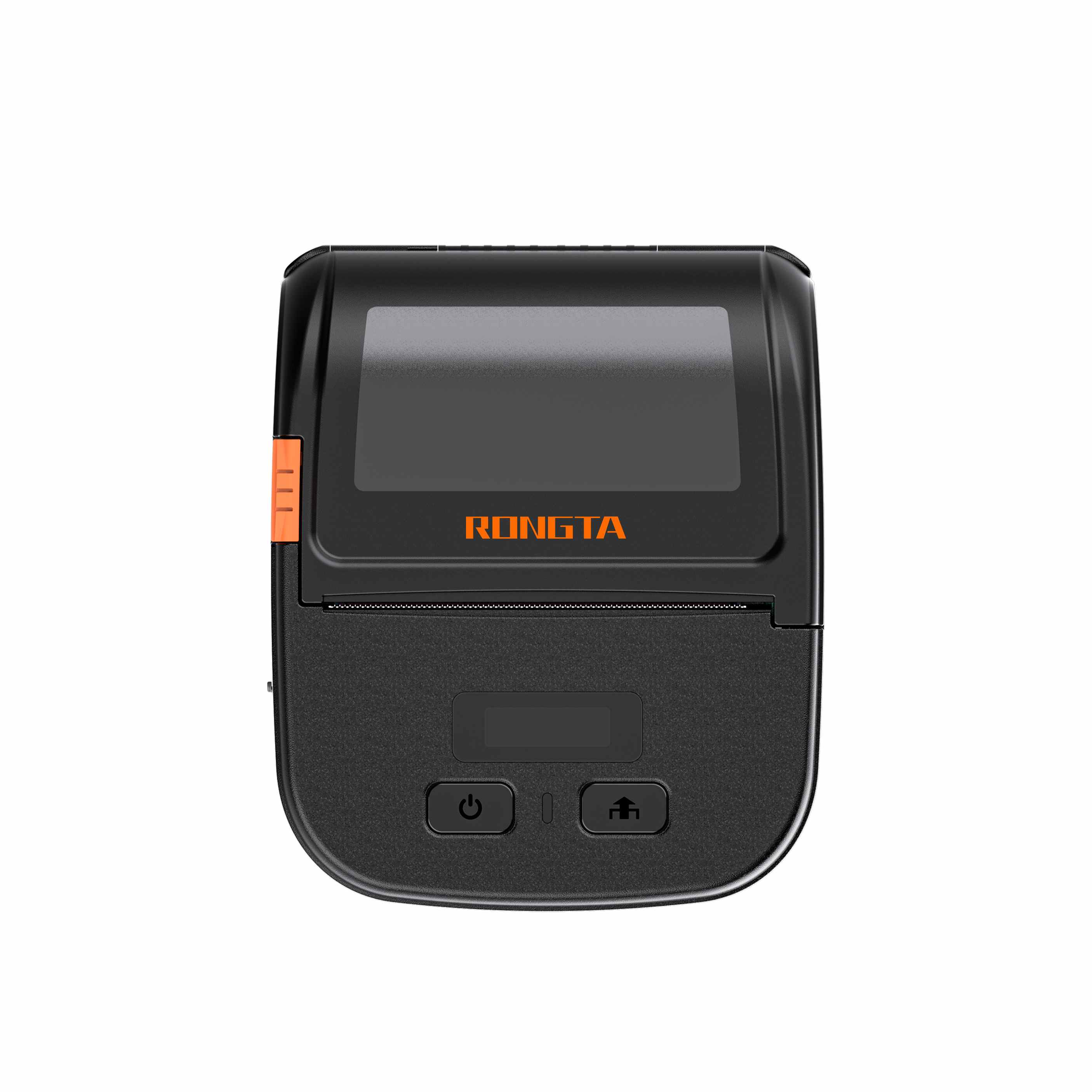 RPP30 3" Portable Label Printer
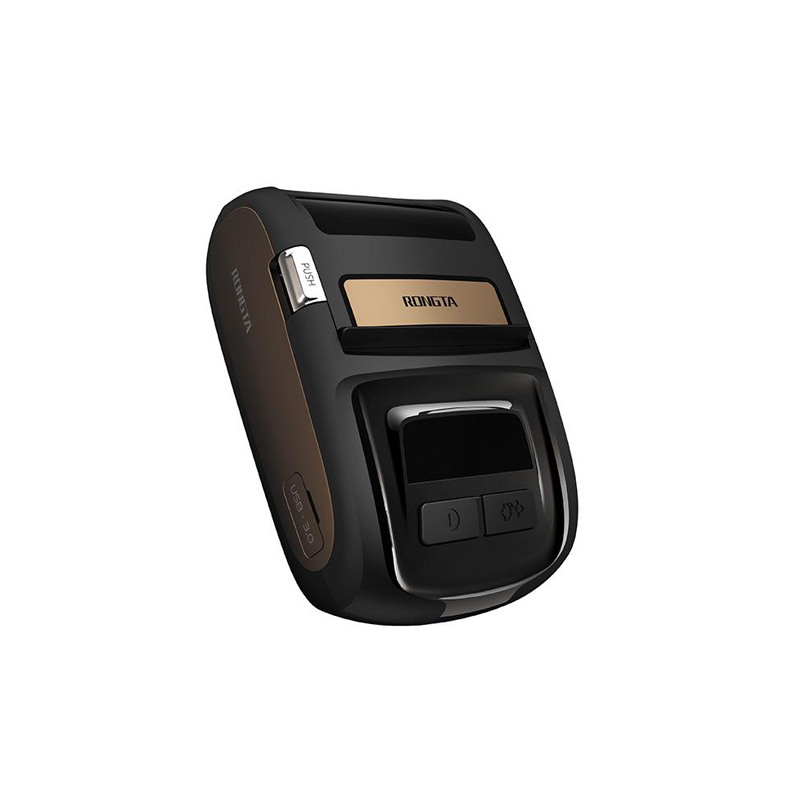 ACE M1 2" Portable Label Printer
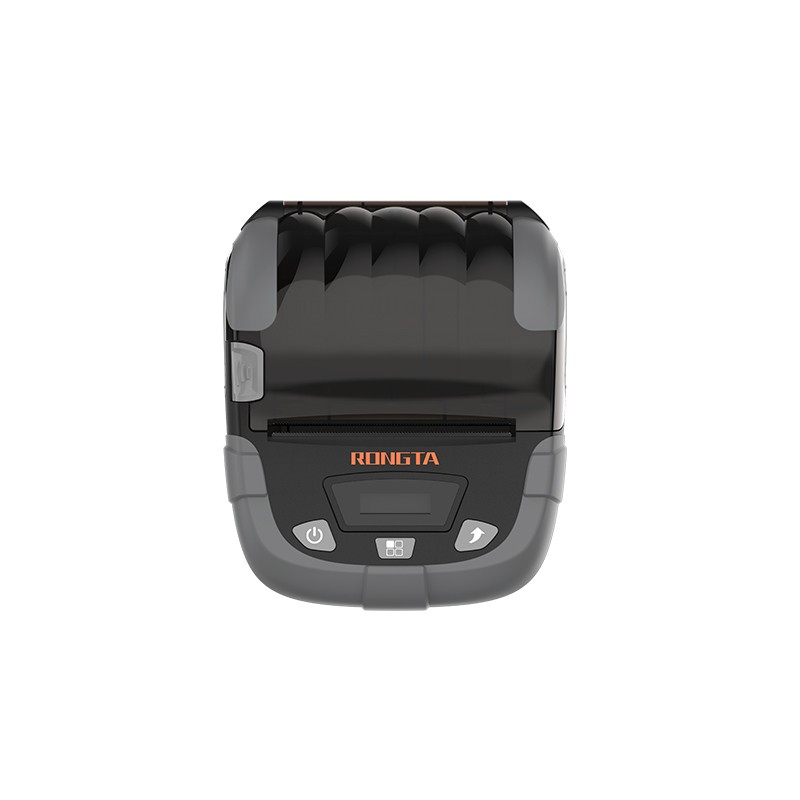 RPP320N 3" Portable Label Printer
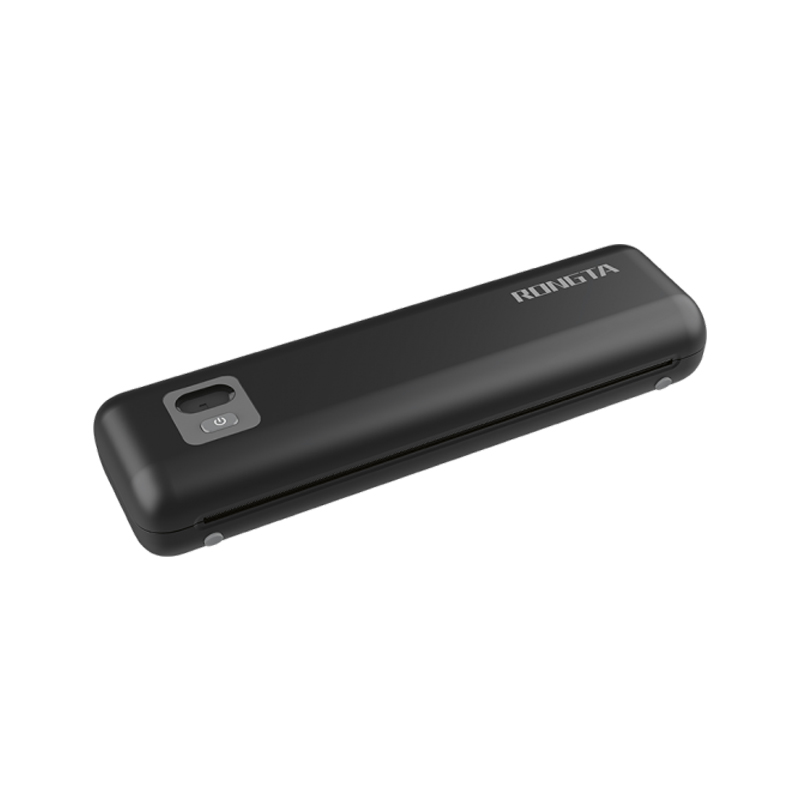 F82A A4 Front-Out Paper Tray Thermal Printer
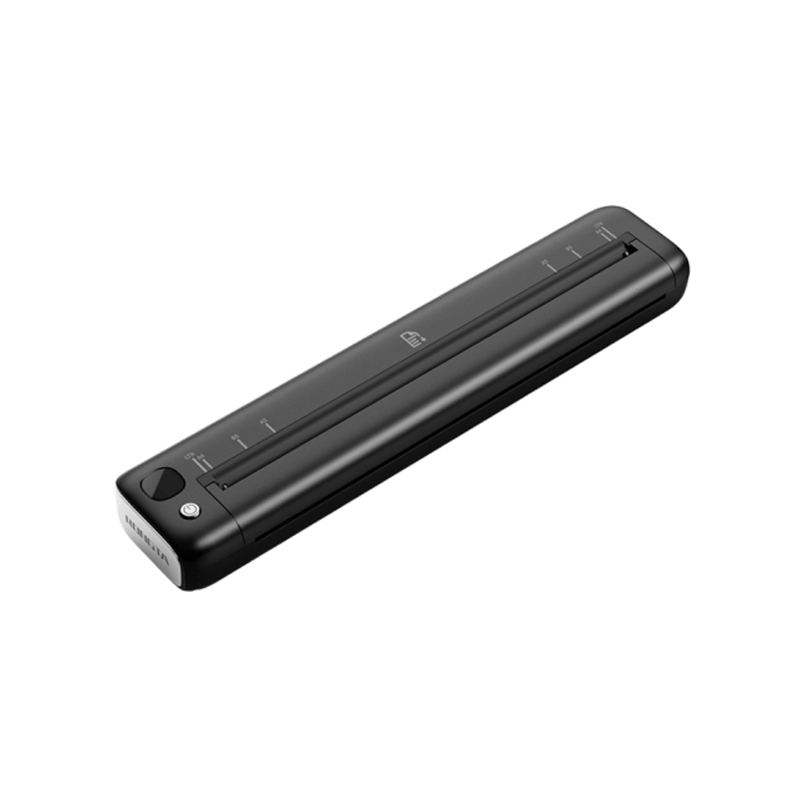 F81A Portable A4 Thermal Printer
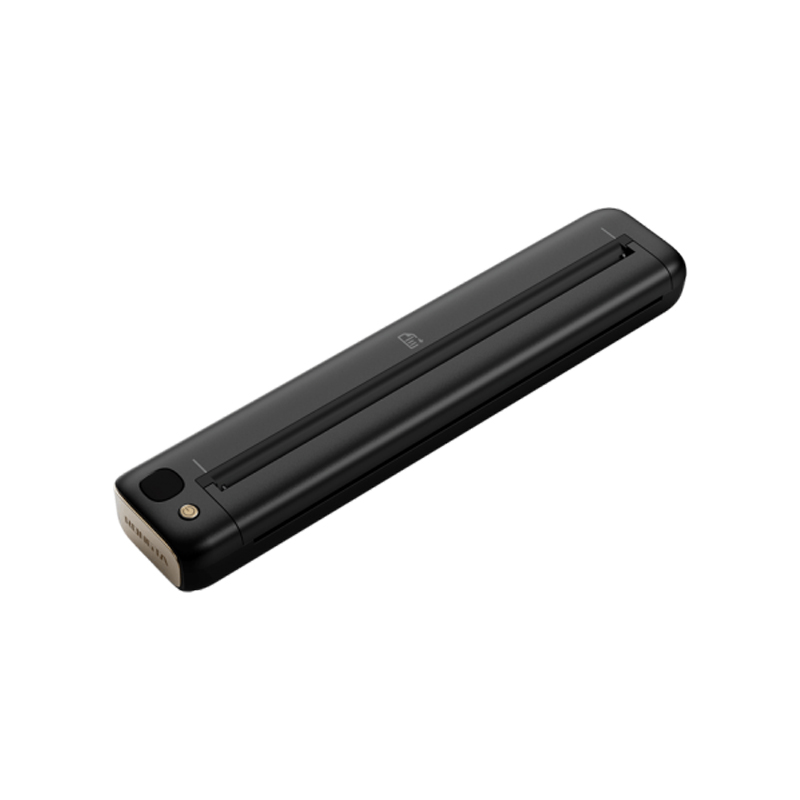 F81S Portable A4 Tattoo Printer
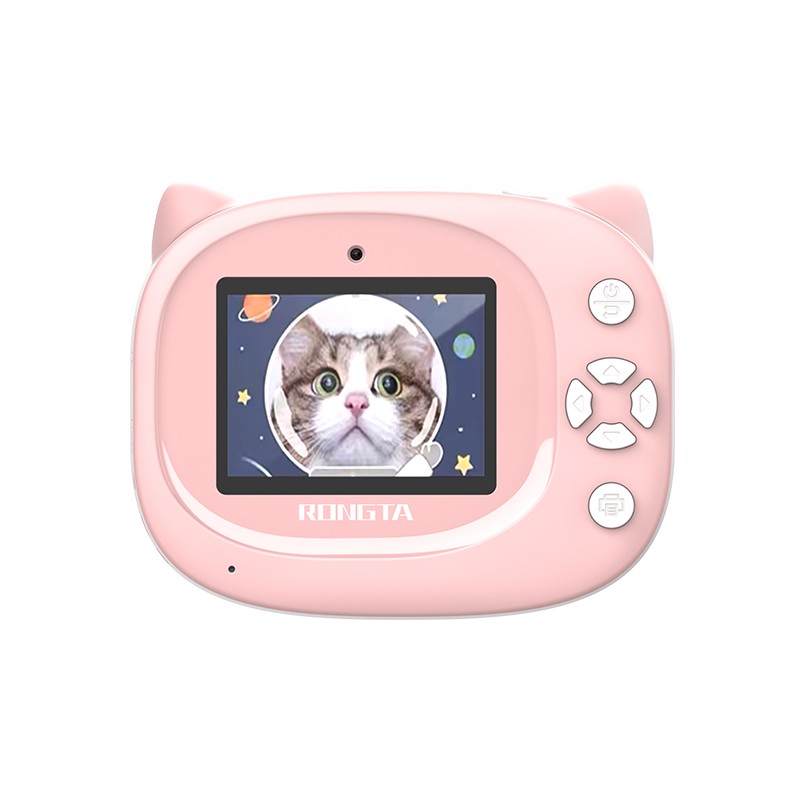 Z1 Children's Educational Photo Printer
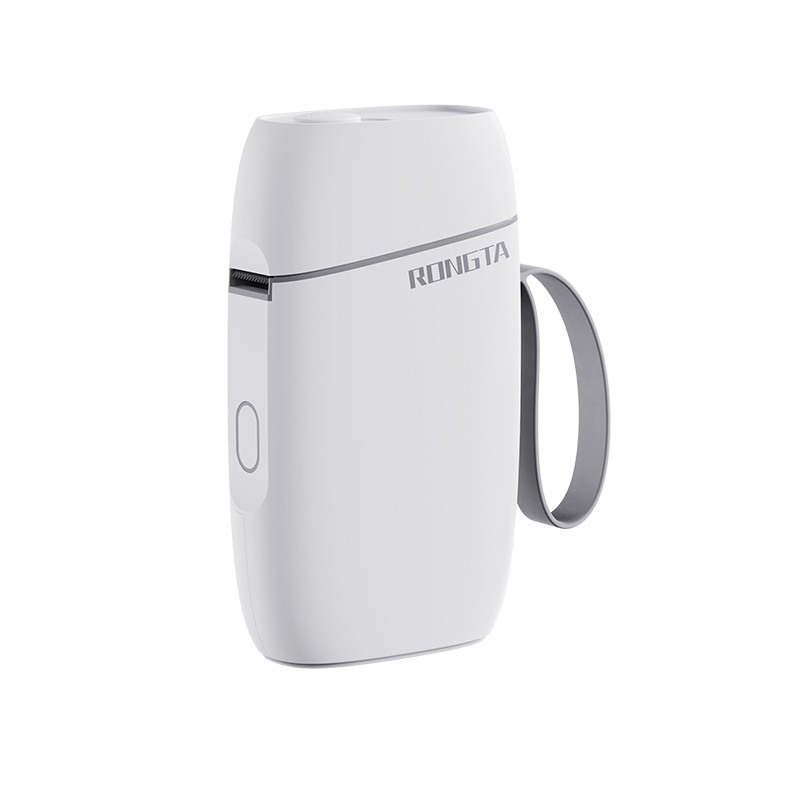 R5 Mini Label Printer
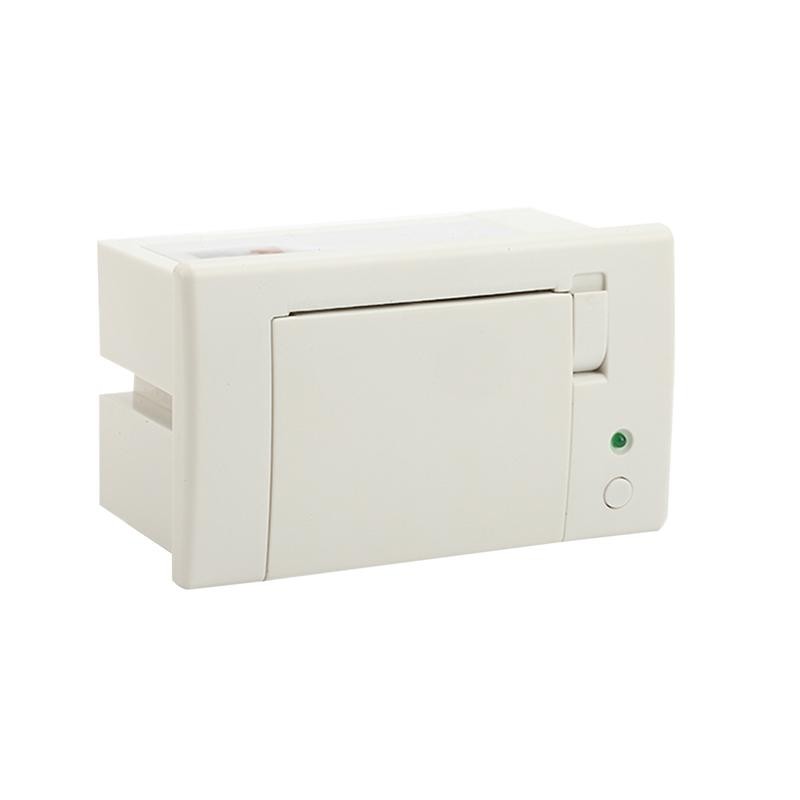 RP07 58mm Embedded Printer
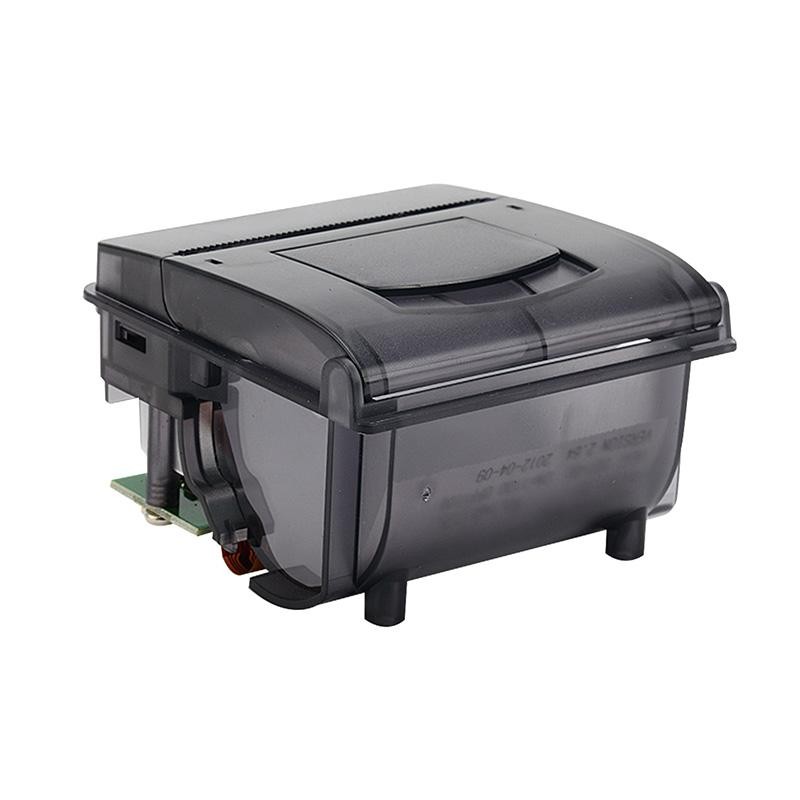 RP203 58mm Embedded Printer
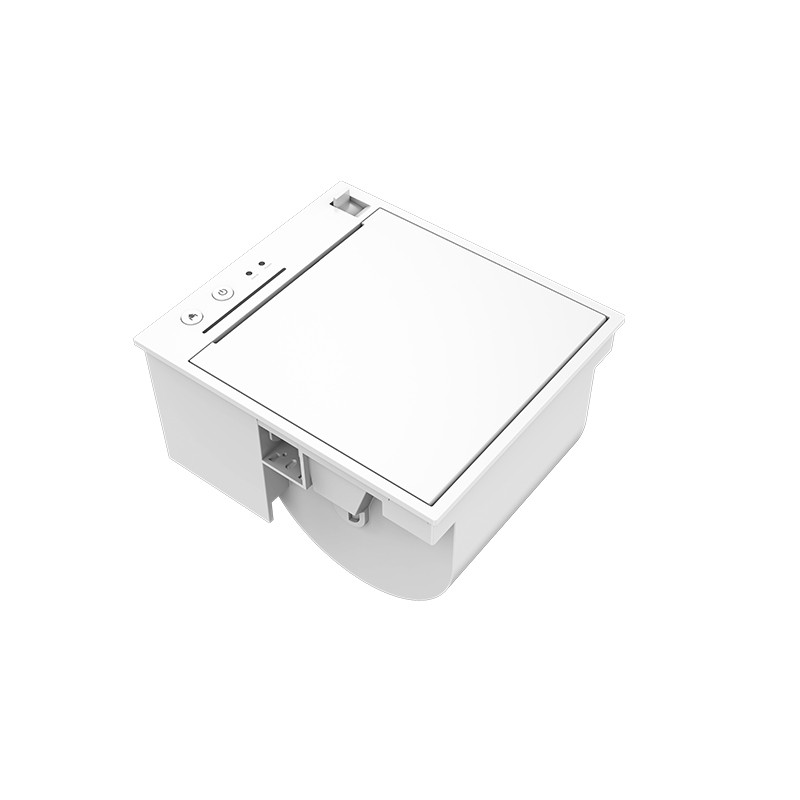 PM315 Embedded Thermal Printer
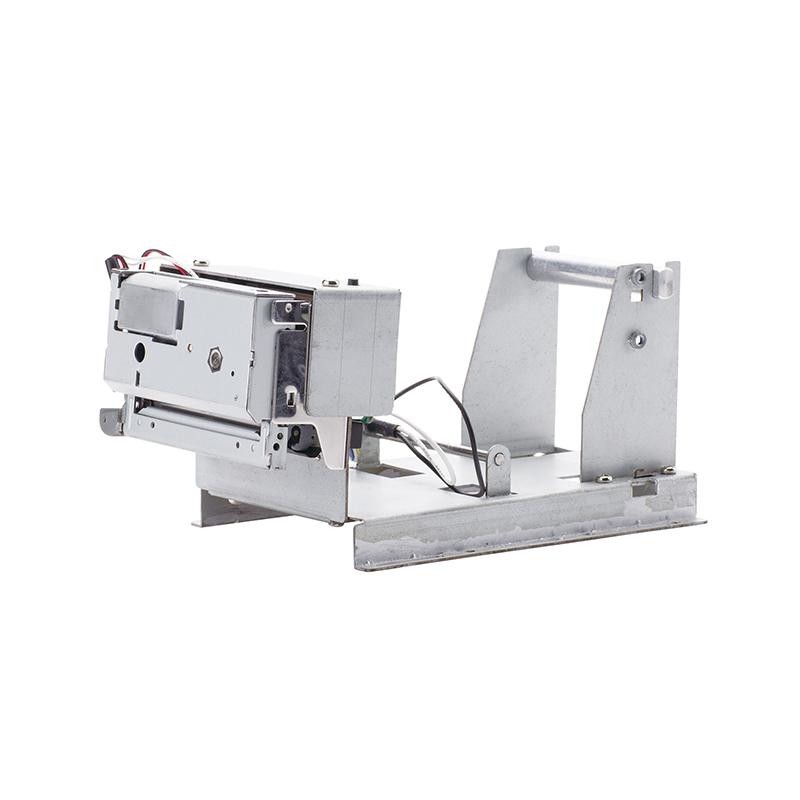 PM201 48mm Printing Module
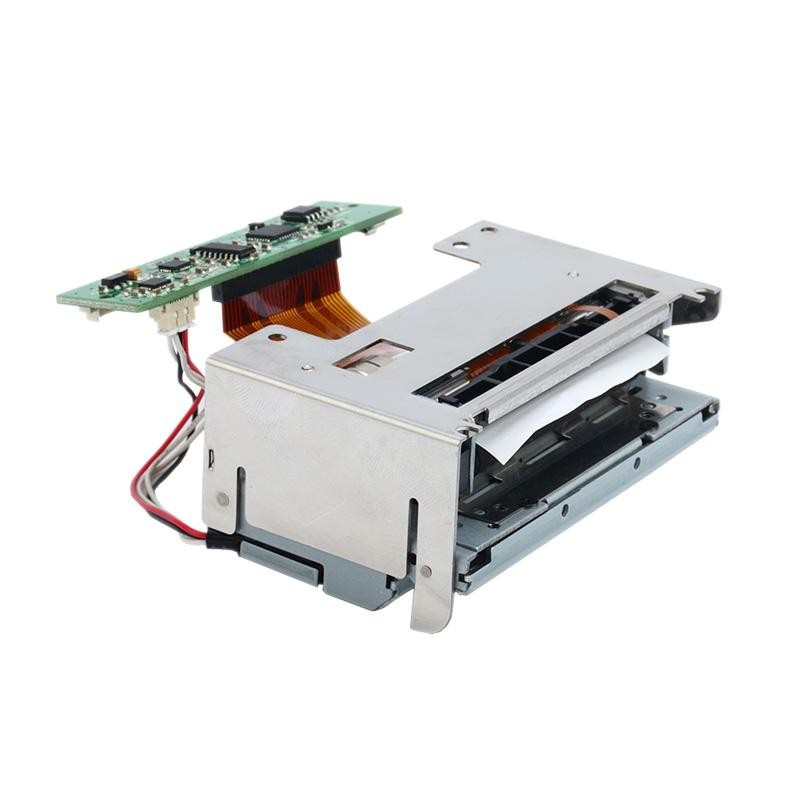 PM628 58mm printing module
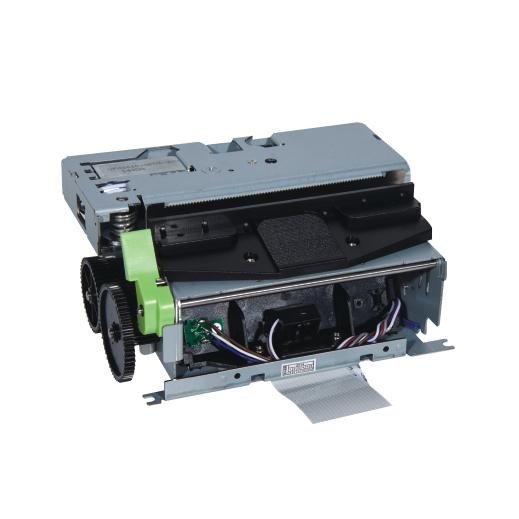 PM532A Printing Module
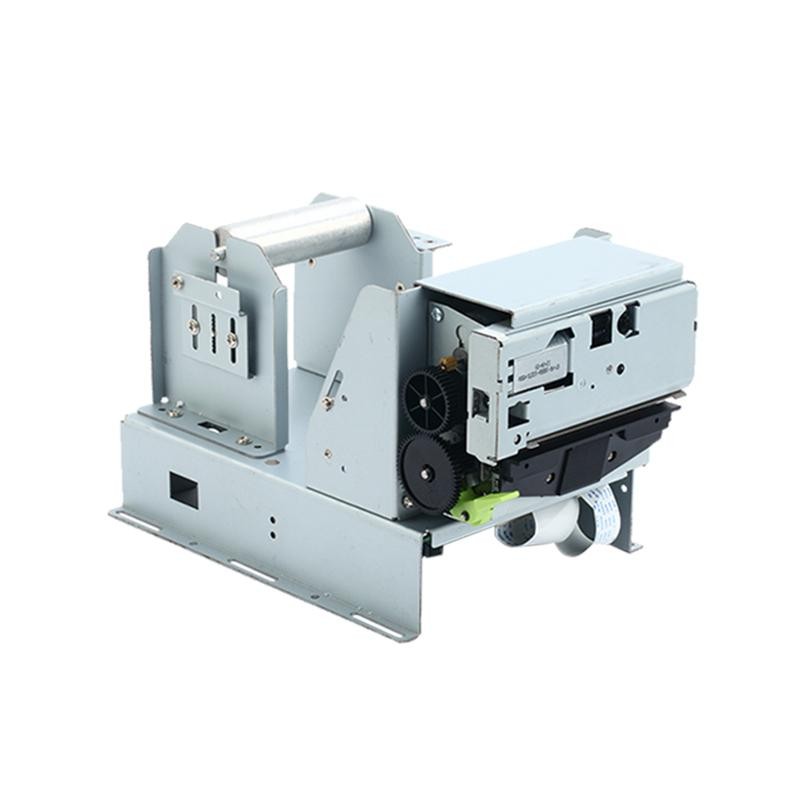 PM532B printer module
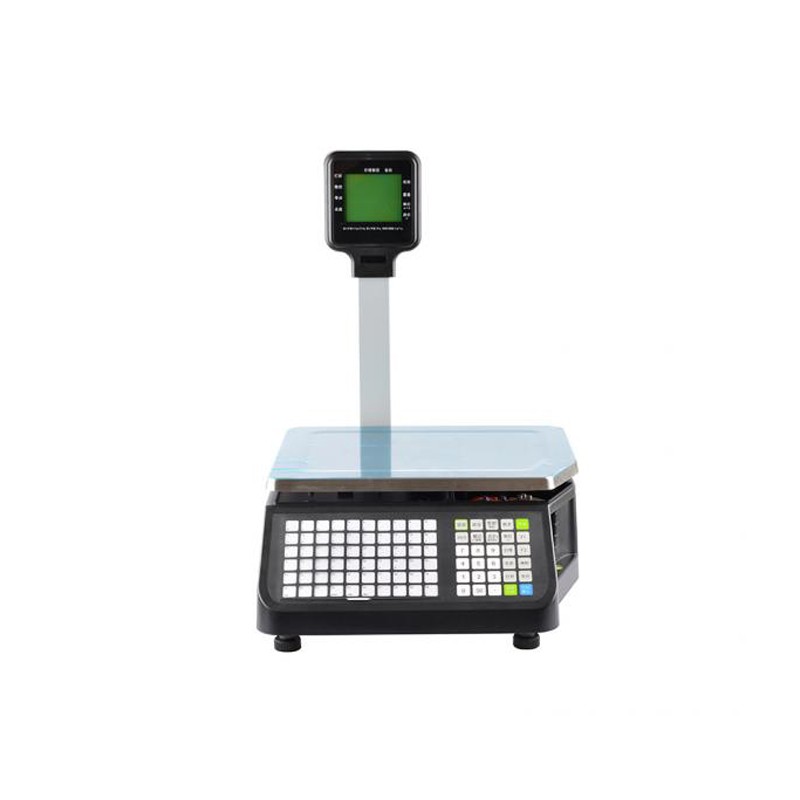 LS015/LS015A Barcode Scale
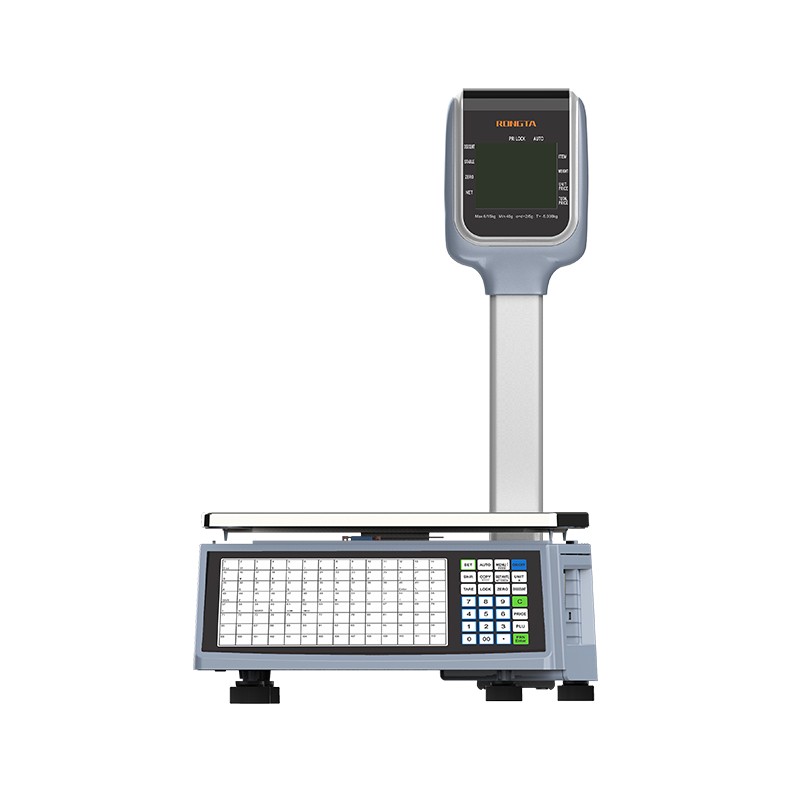 RLS1815D/RLS1830D Barcode Scale
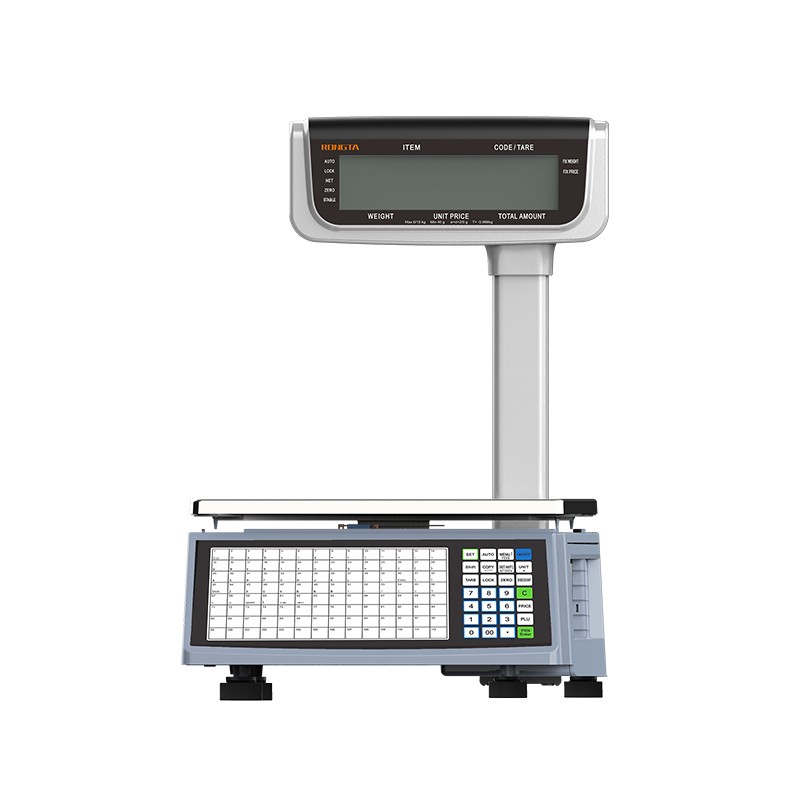 RLS1815C/RLS1830C Barcode Scale
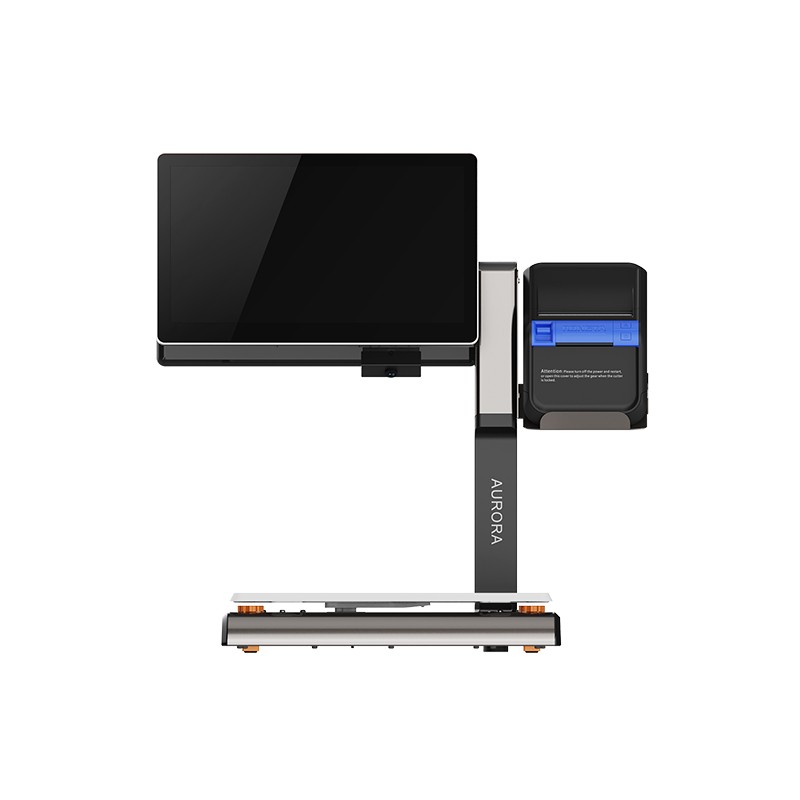 AURORA S2L-S Labelless Scale
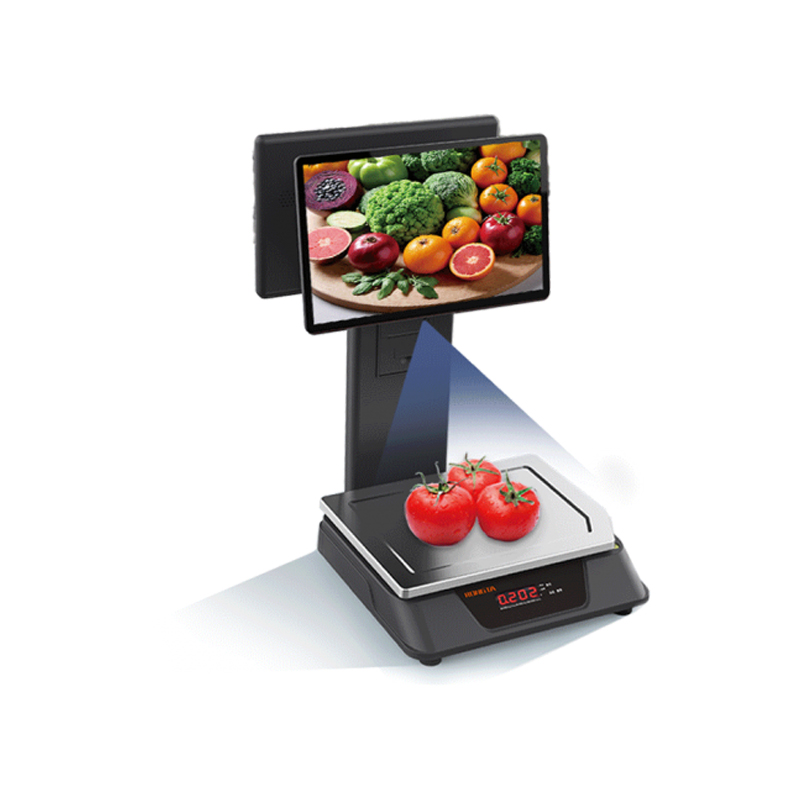 AURORA E1 PRO-AI Cash Register Scale
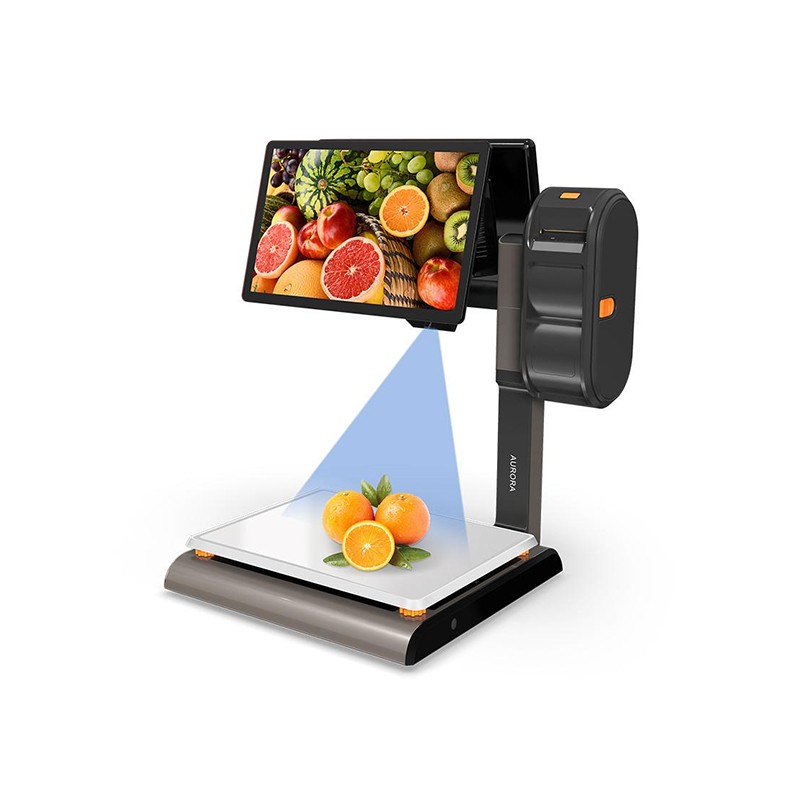 AURORA S2L-AI Label Scale
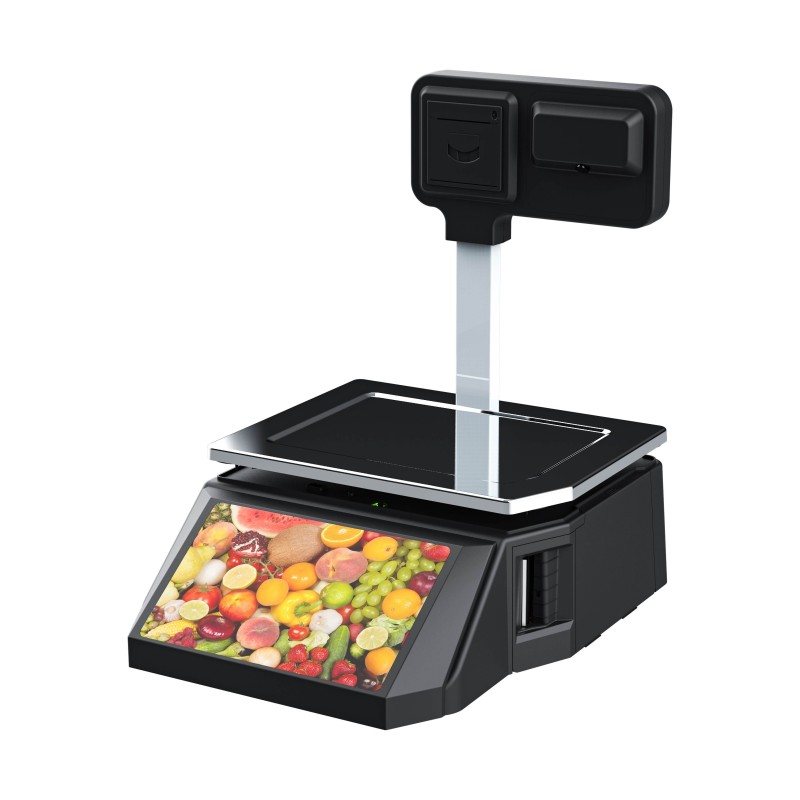 DP01-AI Smart Tag Cashier Dual-Use Scale
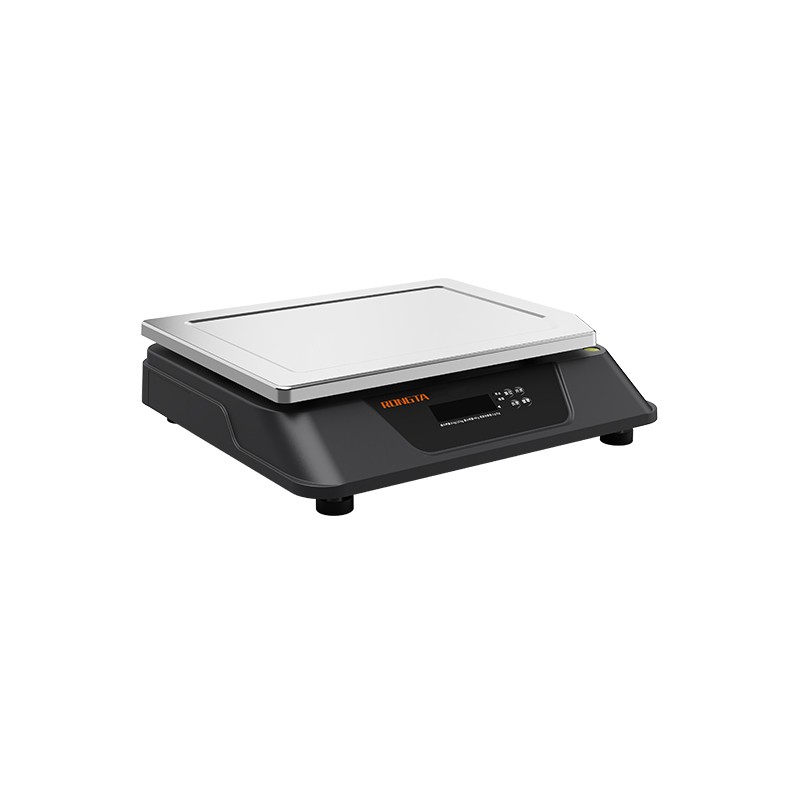 C3 Weighing Scale
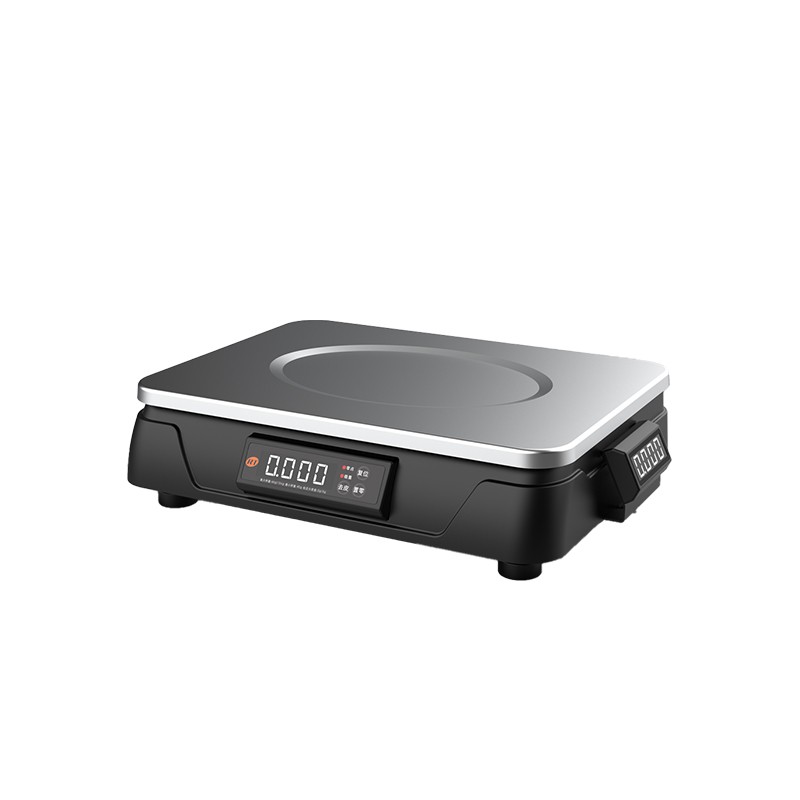 C1 weighing scale
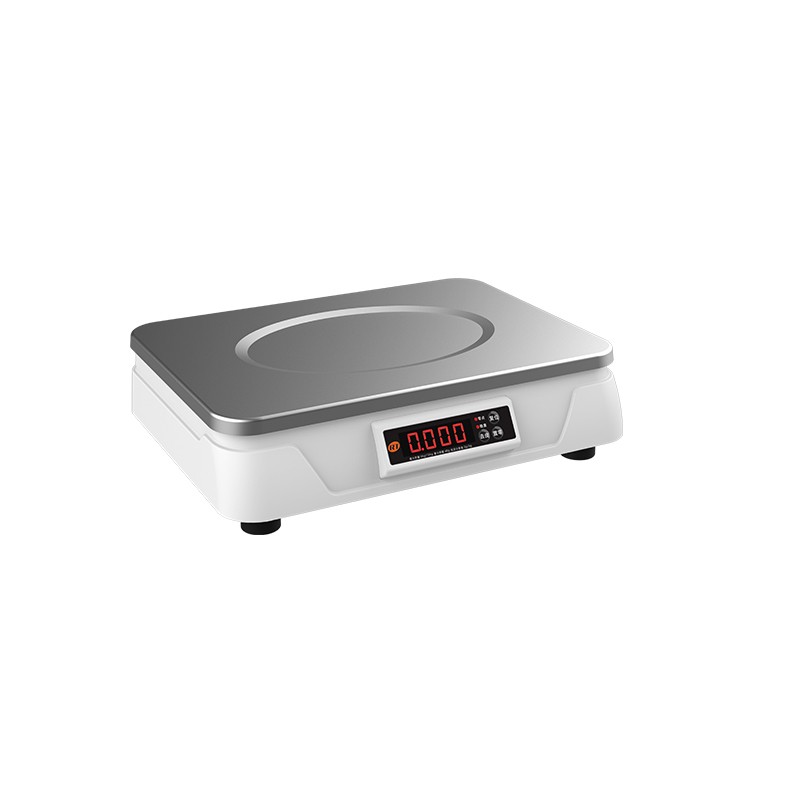 C11 Weighing Scale
 retail
 FOOD
FOOD Medical
 mobiles office/home
 asset Management
 logistics
 Driver download
 User Manual
 Tool Download
 Tag software
 Product Video
 Development Documentation
 Frequently Asked Questions
 User Guide
 Company News
 Exhibition Updates
 Industry Insights
 Product Update
 General situation
 Development history
 Honors and Qualifications
 R&D strength
 Team activities
 Social responsibility



News and Information
Rongda Printer JD.com Delivery App Connection Guide
2025-05-16
Fast and stable printing services are crucial for the food delivery business. Rongda printers, with their excellent compatibility and convenience, support connection to the JD.com food delivery app and offer both mobiles and Windows computer connection options. The following will provide a detailed introduction to the connection process.
one
②General compatibility:Including the recommended models mentioned above, all 58mm cameras equipped with Bluetooth functionalityReceipt printerIt is compatible with both 80mm receipt printers.
2. Connection Steps
two
① Download driver
Download link for Rongta Technology receipt printer driver: https://rongtatech.lanzouv.com/iw01t1r5cj7c (Copy the link and open it in your browser)
② Installation steps
During the installation process, please select the corresponding paper width (58mm or 80mm) according to the actual printer model you are using, and then follow the system prompts to complete the driver installation step by step.
You can download the receipt printer tool via the following link: https://rongtatech.lanzouv.com/i1keC24uscli(Copy the link and open it in your browser)
2. Port connection settings
a. Enter the settings interface
In the device list, right-click the RONGTA printer driver, such as "RONGTA 80mm Series Printer", and select "Printer Properties".
Select the corresponding USB port from the port list, and then click 【Apply】→【OK】 to complete the USB interface connection settings.
For detailed instructions, please refer to the following video:
https://mp.weixin.qq.com/s/N4EFYlM3GRpkjLEYb5G9QA
https://mp.weixin.qq.com/s/N4EFYlM3GRpkjLEYb5G9QA
three

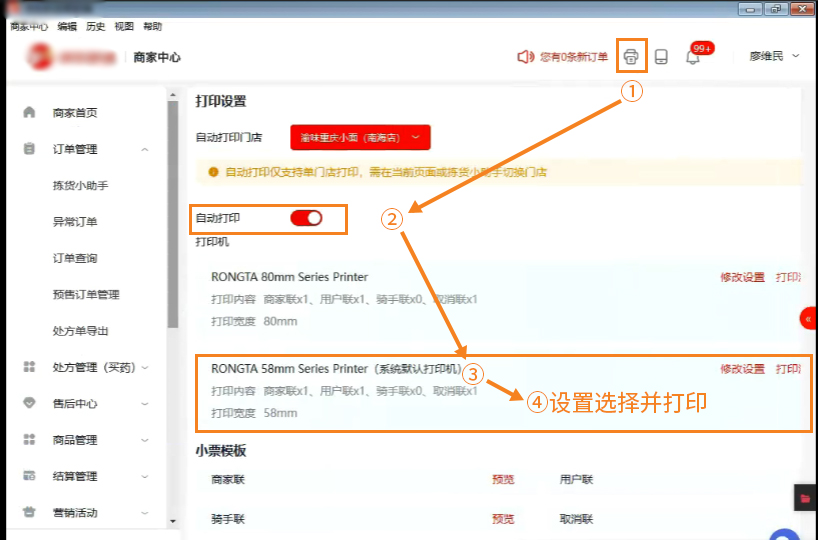
By following the steps above, you can quickly and reliably connect your Rongda printer to the JD.com food delivery app for efficient order printing. If you encounter any problems during the process, please feel free to call 400-800-0596 for support. We are happy to assist you!